All-Weather Light, a trail through every forecast
The light you got, made into a photograph.
Grey sky, hard noon, sea fog, a storm coming in: All-Weather Light is a library of presets for the weather you actually had. Works in the free Lightroom app on iPhone and Android, and in Lightroom Classic.
For everyday, travel and landscape shooters in any climate.
- Works in the free Lightroom app
- Lightroom Classic and desktop too
- Instant download
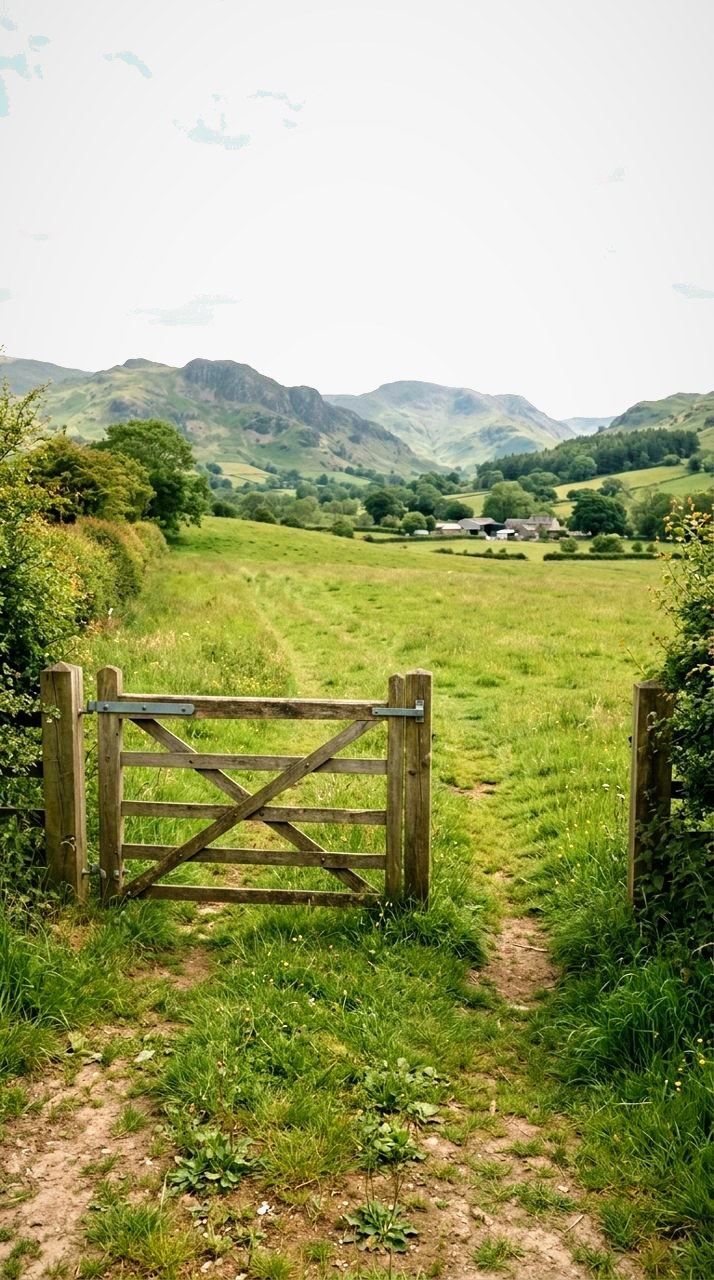
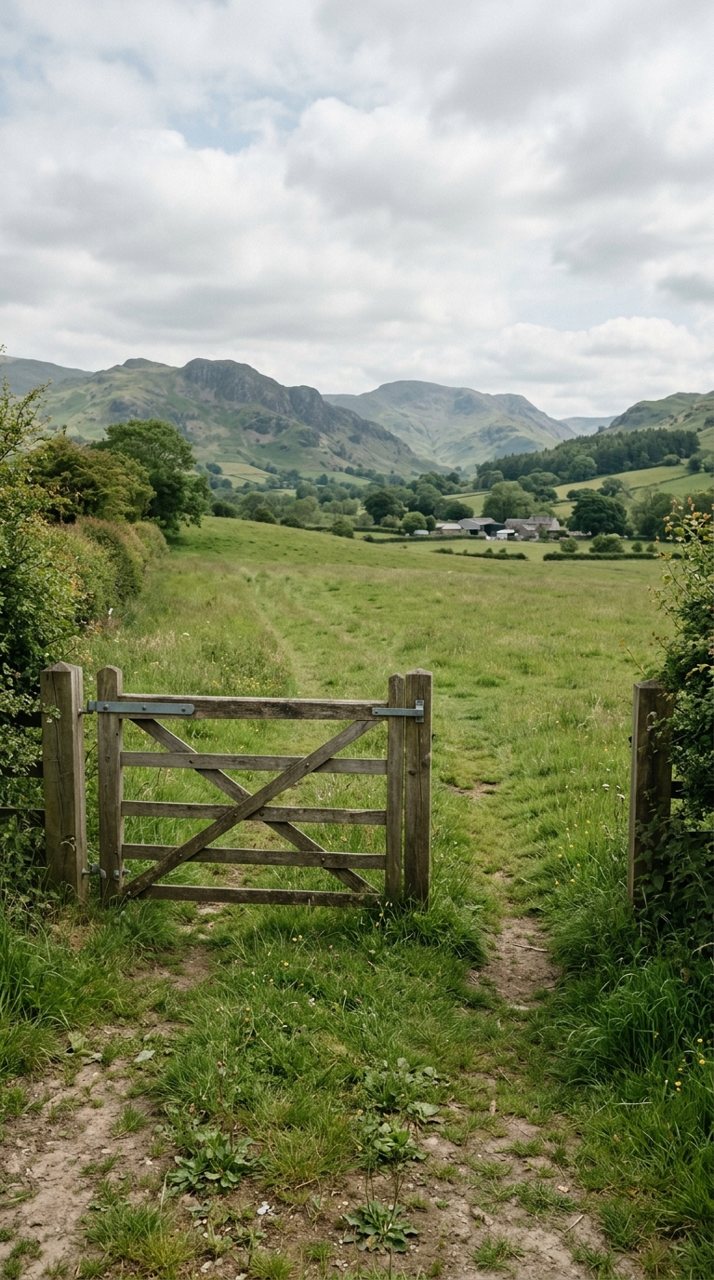
see it
Same trail, one tap apart
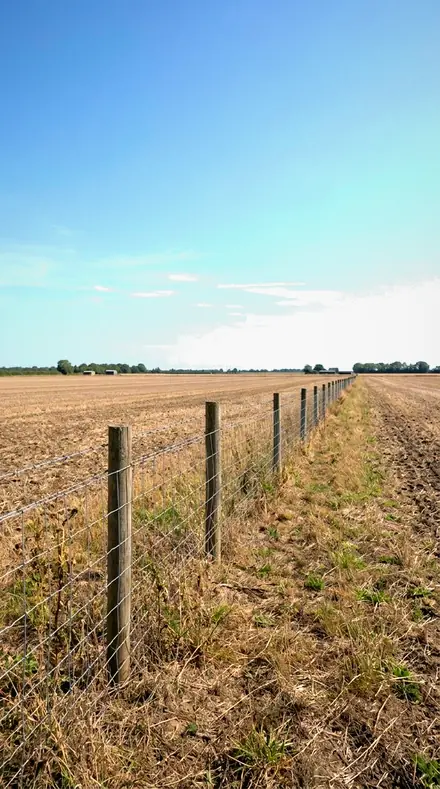
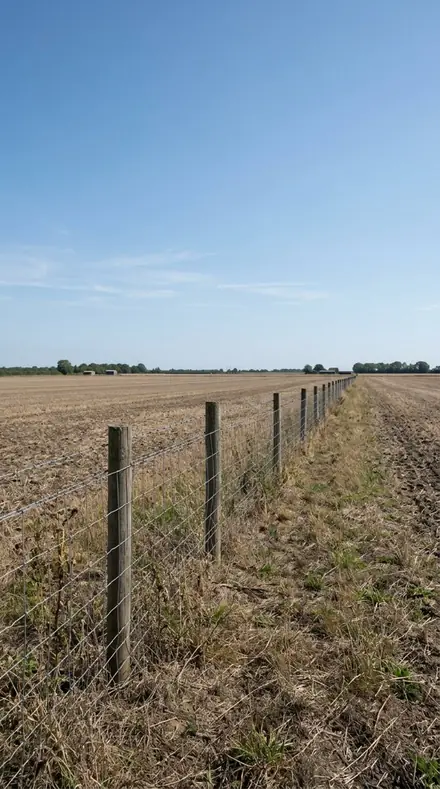


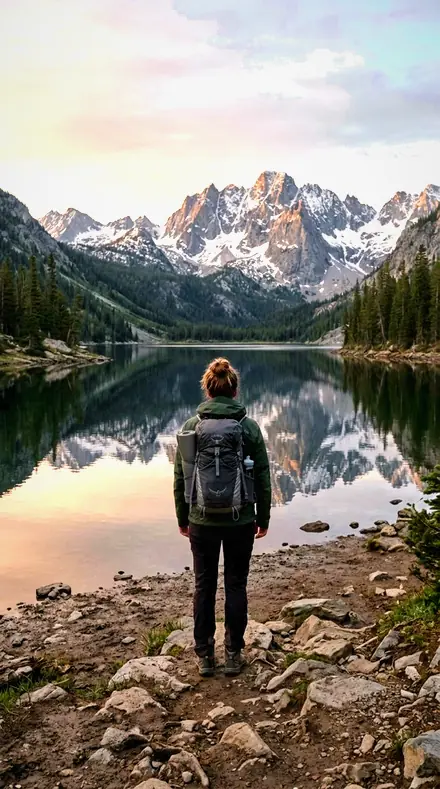
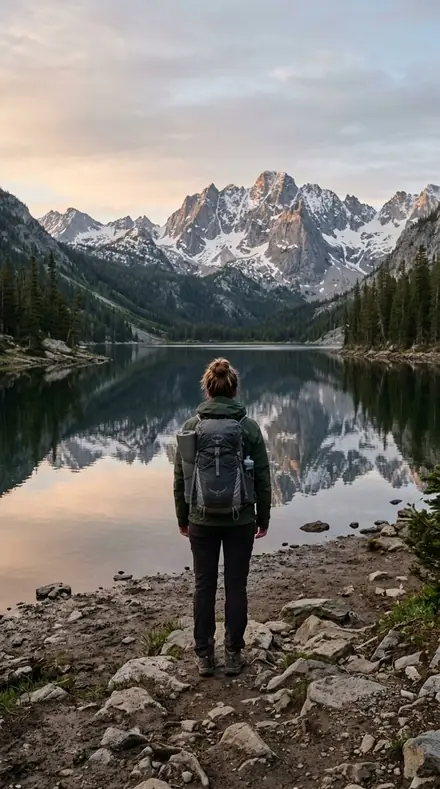
Overcast is where most photographs are taken and where most presets give up. The overcast collections take a flat grey file and firm it. Cloud Cover keeps it cool and documentary. Closed Sky runs the same rescue in strength steps, from a thin cloud to a grey hour. Grey Weather warms the highlights toward gold for wet streets and drizzle.
Noon gets its own pair. Hard Sun pulls the glare off pavement and roofs, opens the shade and holds a pale sky. High Noon recovers clipped whites and gives empty shadows their detail back, the everyday midday fix.
Dawn and fog are kept, not fought. First Light separates land from sky by tone alone, with no golden colour added. Sea Fog holds the mist soft with a high toe and blue-grey highlights. Storm Front is the last stop: blue luminance dropped toward black, structure carved out of grey.
One download, every forecast. The samples below are a few presets from each leg, on the same photographs, so you can see the range before you set out.
the trail
The Trail
144 presets across 4 territories
Each leg is one kind of weather. Open it to see its collections and a few presets on the same photographs.
Overcast, by strength
sectionCool and documentary, warmed toward gold, or stepped from thin cloud to grey hour.
- Cloud Cover 18 presets
- Closed Sky 18 presets
- Grey Weather 18 presets



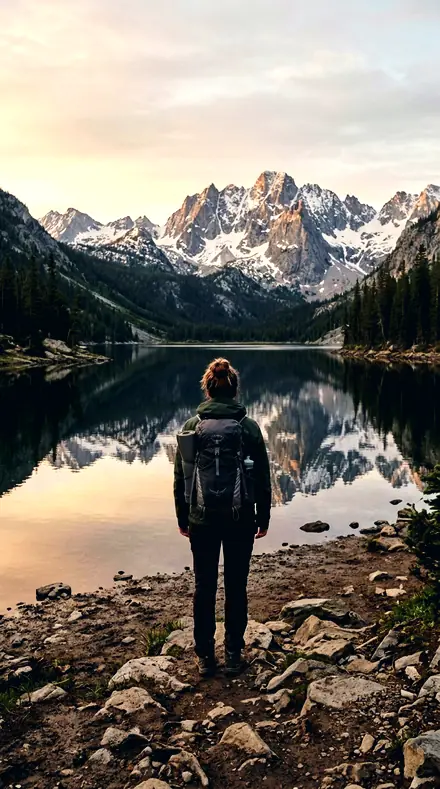

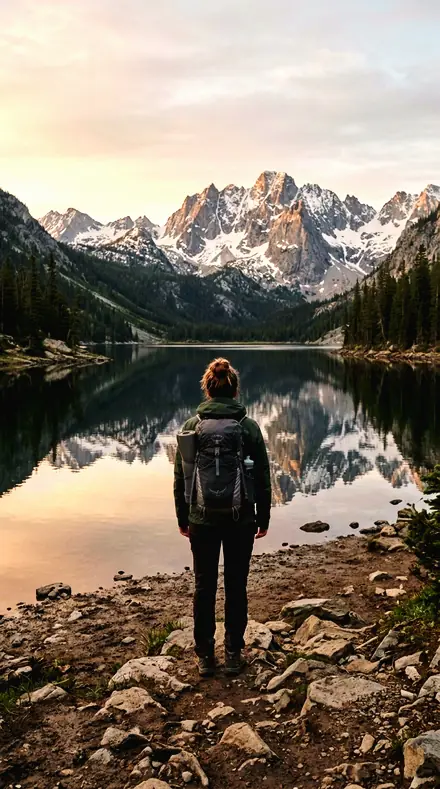

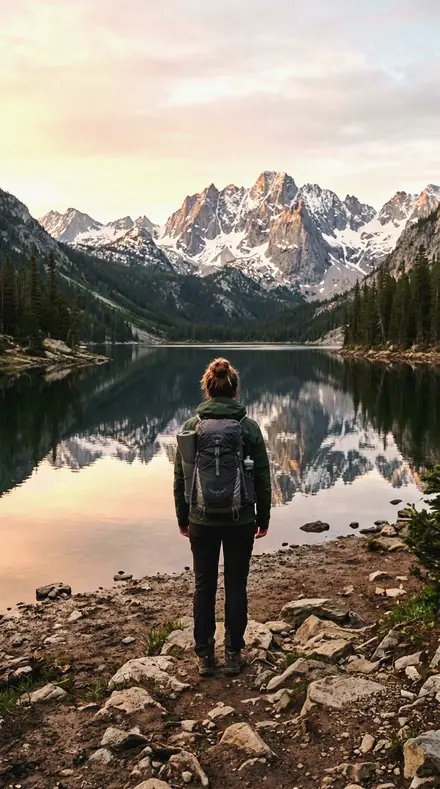
Noon and hard sun
sectionGlare pulled, shade opened, the pale sky held.
- High Noon 18 presets
- Hard Sun 18 presets


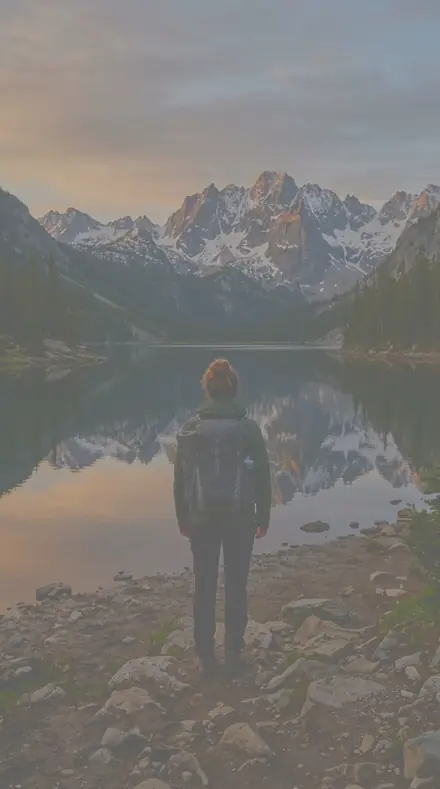



Dawn and fog
sectionKept grey-blue and soft. No gold added.
- First Light 18 presets
- Sea Fog 18 presets


Storm
sectionBlue luminance dropped toward black, structure carved from grey.
- Storm Front 18 presets


how it works
Yours in two minutes
- Buy the setCheckout takes a card; you get a receipt by email.
- Download instantlyThe preset files download right after payment. Re-download any time from your account.
- Import to LightroomOpen the files in the free Lightroom app (iOS or Android) or Lightroom Classic. Lightroom saves them as presets automatically.
- Tap a presetOne tap applies the full look. Every setting stays editable after.
- Single-user license. Yours to use in personal and client work.
- No redistribution. Don't resell or share the preset files themselves.
- Free app is enough. No Adobe subscription needed for Lightroom mobile.
- Keep it forever. Files live in your account for re-download.

the maker
Why I Make These
I am Netzah Elad Topaz. I take photographs and I build software, and the two keep leading me back to the same problem. You were there. The light was doing something you will not see again. Then the photo comes back flat, and it is not what you were looking at.
Closing that gap is the whole job. Every preset here is built from Adobe defaults by hand, with a written note for what it should do to a picture, and it is judged on real photographs before it ships. Nothing is a filter dropped on top of your work.
What I want is simple. You open a photo you almost gave up on, you tap once, and there it is: the day you remember, not the file your camera handed you. That is worth doing properly.
Netzah Elad Topaz, photographer and software builder
get it
Get All-Weather Light
All-Weather Light
$199
All 144 presets · one-time payment · instant download
Works in the free Lightroom app · keep forever
Instant download after payment. The download link is also sent to your email and stays available in your account.
questions
Asked and Answered
Which one do I start with on a grey day?
Closed Sky. It runs from the lightest correction to the strongest, in order, so tap down the list until the file looks like the day felt.
Is this one download or several?
One ZIP, with every collection in its own folder. Import them all, or only the ones you use.
Do these work in the free Lightroom app?
Yes. Import the .xmp files in the free Lightroom app on iPhone or Android, no subscription needed. They also work in Lightroom Classic and Lightroom on desktop.
What exactly do I get?
All 144 presets from All-Weather Light as .xmp files in an instant ZIP download. The link also lands in your email, and the purchase stays in your account so you can re-download any time.
How do I install them?
Two minutes: unzip, then import inside Lightroom. The step-by-step guide covers iPhone, Android, and desktop.
Can I use them for client work?
Yes. The single-user license covers personal and commercial photography. The one thing you can't do is share or resell the preset files themselves.
Can I tweak a preset after applying it?
Always. A preset is a starting point; every slider stays yours to adjust.
What if it's not for me?
Before your first download we refund, no questions asked. After a download, sales are final except a technical fault we cannot fix or a duplicate charge. Details on the refunds page.